Step 1. Log in to the Portal
Step 2. Search ''Prospectus WC List'' in the search bar

Step 3. Click ''New''

Step 4. Set up the following details such as ''Effective Year Start'', ''Effective Year End'' and the ''Course''. Sample data below
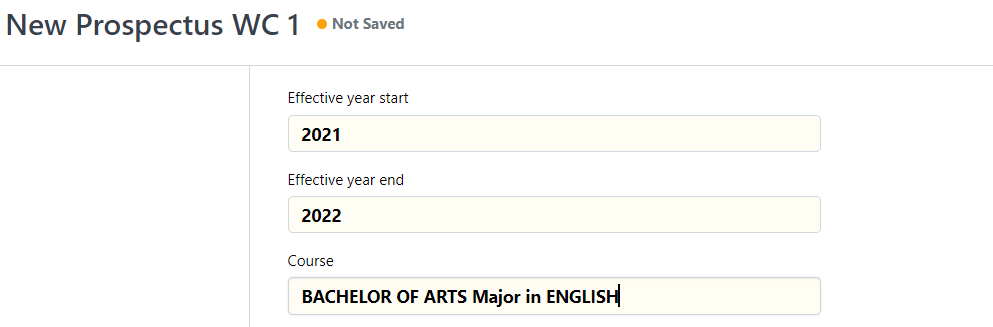
Step 5. After setting up the 3, you may proceed to fill out the schedules in the table below.
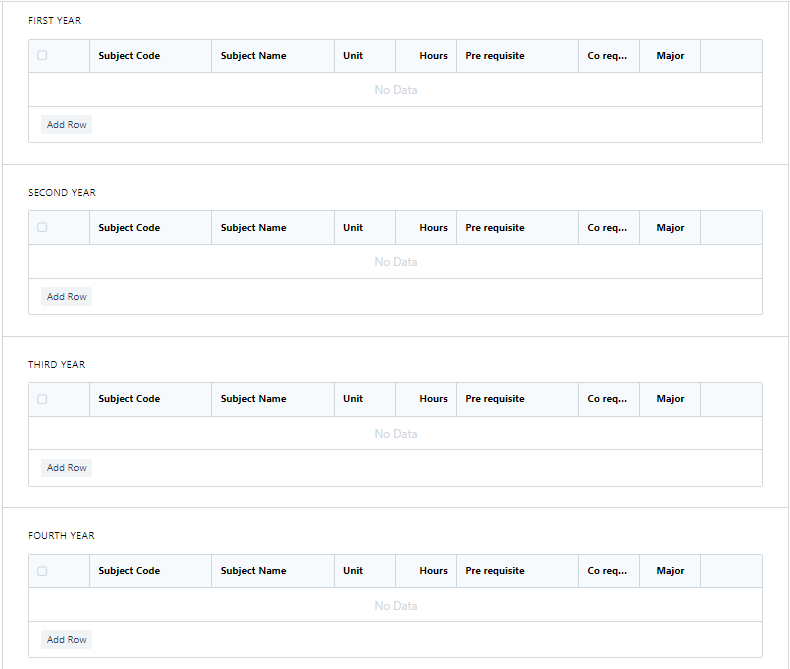
Note: Just Add Row to fill in a Subject Code (Subject Name is auto generated when filling out the Subject Code, also for the Unit and Hours). You may also set the Pre requisite and Co requisite if there is available. If the subject is ''Major''. just click the small box. Sample Shown Below.
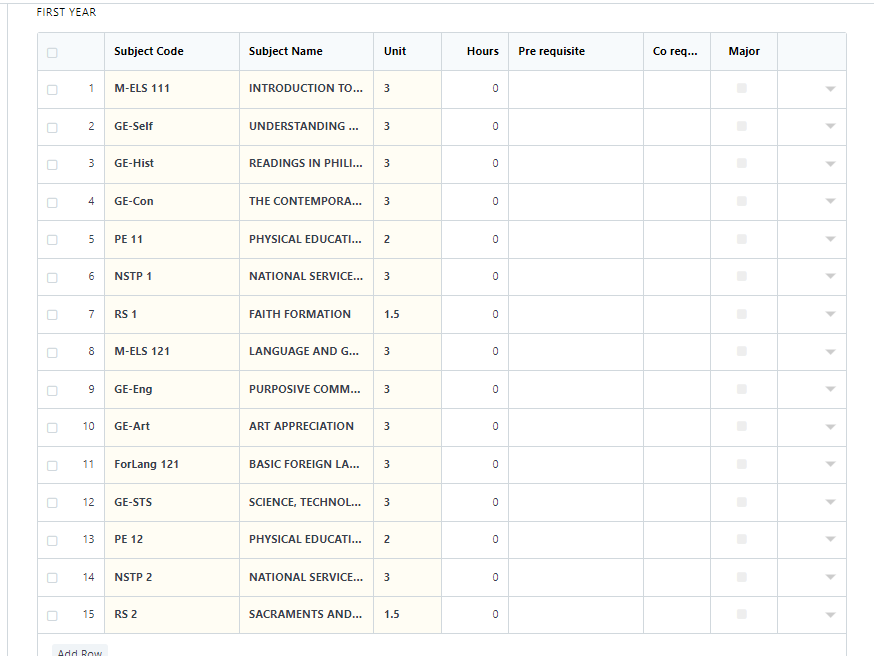
Note: After setting up the schedules, just click ''Save''